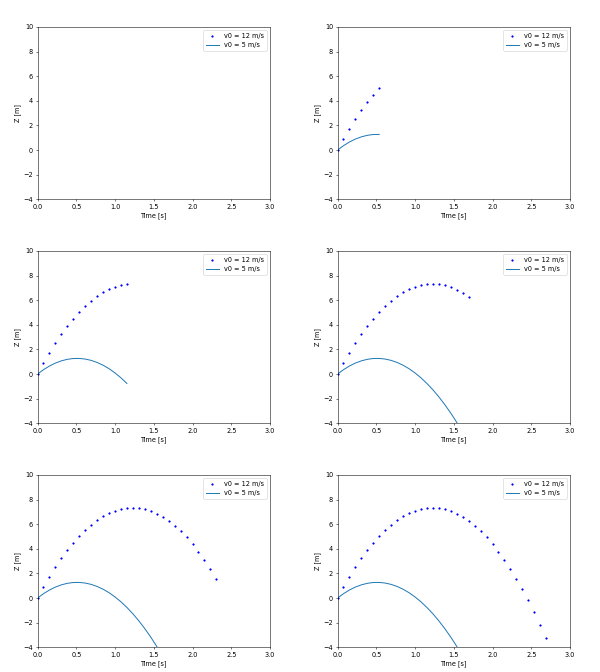
matplotlib.pyplot.show#
- matplotlib.pyplot.show(*, block=None)[source]#
Display all open figures.
- Parameters:
- blockbool, optional
Whether to wait for all figures to be closed before returning.
If
Trueblock and run the GUI main loop until all figure windows are closed.If
Falseensure that all figure windows are displayed and return immediately. In this case, you are responsible for ensuring that the event loop is running to have responsive figures.Defaults to True in non-interactive mode and to False in interactive mode (see
pyplot.isinteractive).
See also
Notes
Saving figures to file and showing a window at the same time
If you want an image file as well as a user interface window, use
pyplot.savefigbeforepyplot.show. At the end of (a blocking)show()the figure is closed and thus unregistered from pyplot. Callingpyplot.savefigafterwards would save a new and thus empty figure. This limitation of command order does not apply if the show is non-blocking or if you keep a reference to the figure and useFigure.savefig.Auto-show in jupyter notebooks
The jupyter backends (activated via
%matplotlib inline,%matplotlib notebook, or%matplotlib widget), callshow()at the end of every cell by default. Thus, you usually don't have to call it explicitly there.